
How to Build a Fast WordPress Website: A Developer's Checklist

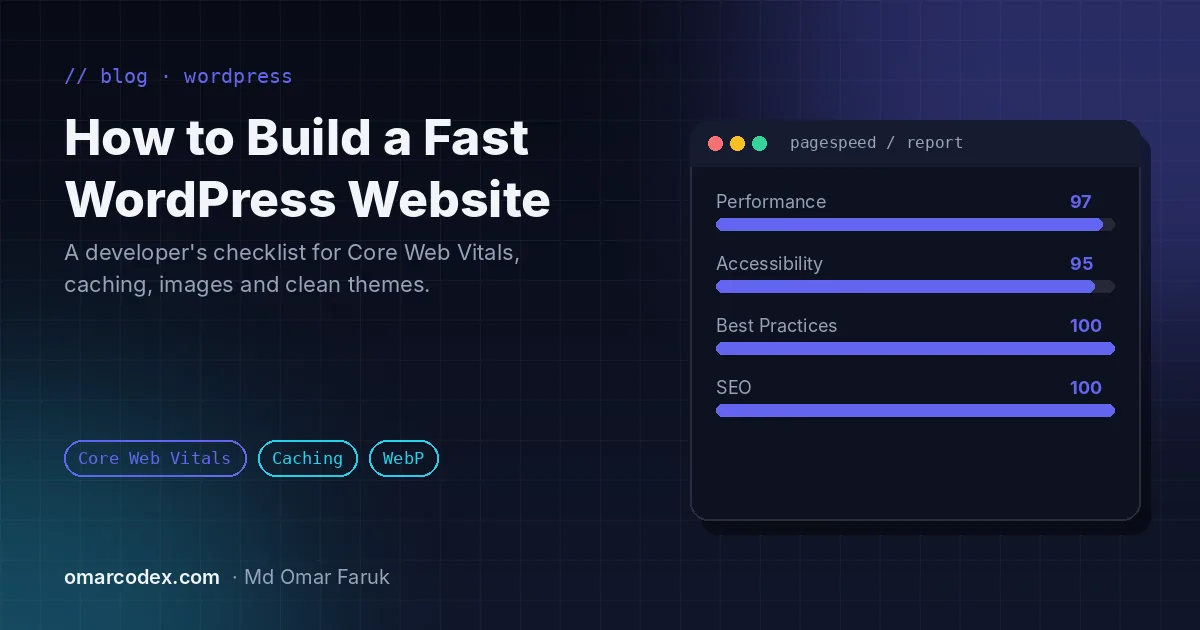
A slow website quietly costs you money. Visitors leave before the page loads, ads cost more per conversion and Google is less likely to rank you above faster competitors. The good news is that a fast WordPress website is not luck: it is the result of a handful of decisions made correctly. This is the checklist I use on every WordPress development project.
Why WordPress speed matters for SEO and sales
Google uses page experience signals, including Core Web Vitals, as part of how it ranks pages. Speed also affects every visitor: a faster page feels more trustworthy, keeps people reading and makes forms and checkouts easier to complete. For e-commerce and lead-generation sites, even small speed improvements can lift conversions.
The three Core Web Vitals to watch are:
- Largest Contentful Paint (LCP): how quickly the main content appears. Aim for 2.5 seconds or less.
- Interaction to Next Paint (INP): how quickly the page responds when someone taps or clicks. Aim for under 200 ms.
- Cumulative Layout Shift (CLS): how much the layout jumps while loading. Aim for less than 0.1.
1. Start with good hosting
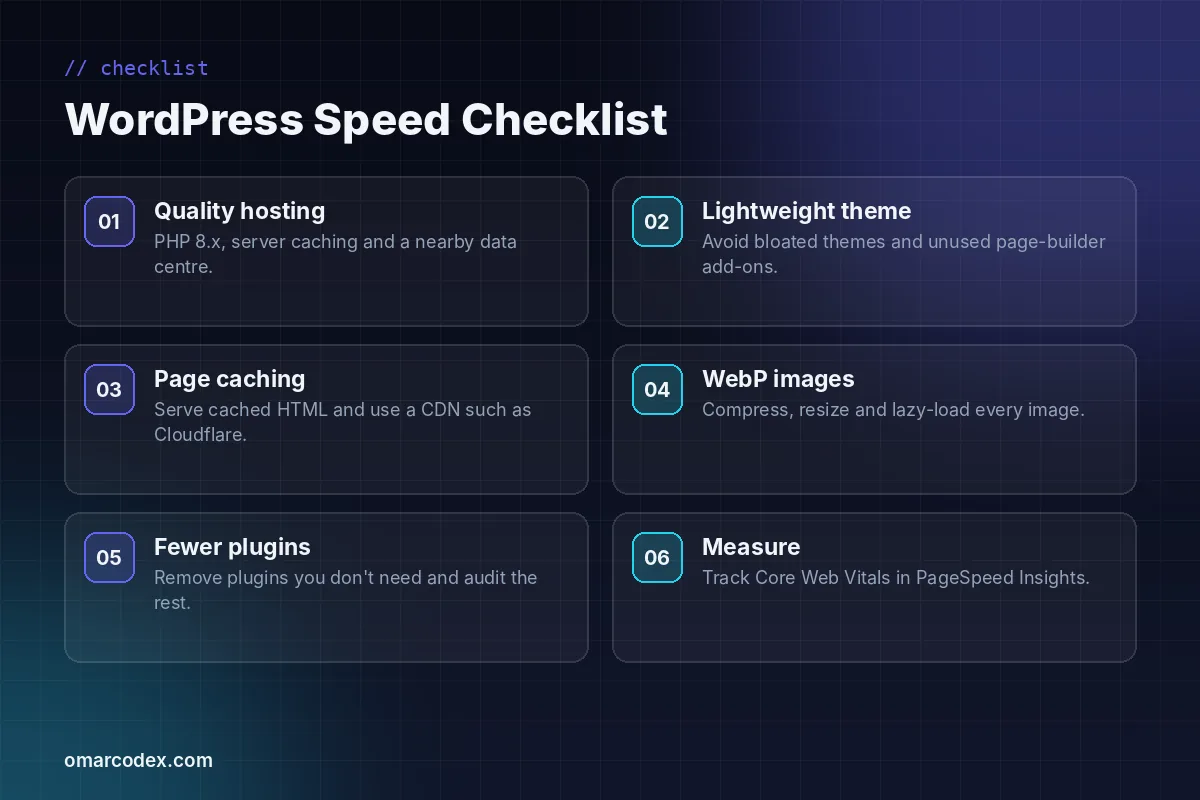
No plugin can fix a slow server. Choose hosting with a current PHP 8 version, server-level caching (such as LiteSpeed or Nginx caching), SSD or NVMe storage and a data centre close to most of your visitors. Cheap shared hosting that packs thousands of sites on one server will hold your time to first byte back no matter what else you do.
2. Use a lightweight theme
Multipurpose themes often load sliders, icon fonts and scripts for features you will never use. A lightweight theme, or a custom theme built only for your design, ships far less CSS and JavaScript. If you use a page builder such as Elementor, keep add-on packs to a minimum and disable widgets you do not need.
3. Turn on page caching and a CDN
Page caching serves a ready-made HTML copy of each page instead of building it with PHP and database queries on every visit. It is usually the single biggest speed win. Pair it with a CDN such as Cloudflare so static files are delivered from a location near each visitor, and enable Brotli or Gzip compression.
4. Optimise every image
Images are often the heaviest part of a page. Before uploading, resize images to the size they are actually displayed, then convert them to WebP, which is usually much smaller than JPEG or PNG at similar quality. Lazy-load images below the fold, but do not lazy-load your main hero image, because that delays LCP. Always set width and height so the layout does not jump.
5. Keep plugins lean
The number of plugins matters less than what they do, but every plugin is extra code to load and maintain. Remove anything you no longer use, replace several small plugins with one well-built one where possible, and avoid plugins that add scripts to every page when you only need them on one. Query Monitor is useful for spotting slow database queries during development.
6. Load fonts and scripts carefully
- Host fonts locally and preload only the one or two weights you really use.
- Defer non-critical JavaScript and delay third-party scripts such as chat widgets until user interaction.
- Load tracking tools through Google Tag Manager and remove old, duplicated pixels.
- Minify and combine CSS carefully, and test that nothing breaks.
7. Clean up the database
Over time WordPress collects post revisions, expired transients, spam comments and leftover tables from deleted plugins. Cleaning these up and limiting revisions keeps queries fast, especially on large news and magazine sites with thousands of posts.
8. Measure, then measure again
Test your important pages in PageSpeed Insights on mobile, not just the home page. Lab scores help you find problems; field data from real users tells you whether the fixes worked. Re-test after every major change, new plugin or design update.
When to call a developer
If your site is still slow after caching and image optimisation, the problem is usually the theme, a heavy plugin or the hosting. That is where a developer can make a real difference by rebuilding templates, replacing plugins with lean custom code or moving you to better hosting. In some cases, for complex apps rather than content sites, a custom build may be better; I explain when in Laravel vs WordPress: which should you choose?
Want a WordPress site that loads fast and ranks? See my WordPress design and development service, browse recent projects, or get a free quote. You can also follow the official WordPress optimisation guide for more detail.
Written by Omar Faruk
Full-Stack Developer — WordPress, Laravel & Shopify
I'm a full-stack web developer who has shipped news portals, company sites, multi-user web apps and Shopify stores for clients around the world. I care about clean code, fast pages and websites that actually bring in sales.
Need help with this on your site?
I can set it up for you — quick turnaround, fixed price.