
Laravel vs WordPress: Which Should You Choose for Your Website?

"Should I build this on WordPress or Laravel?" is one of the most common questions clients ask me. I build with both every week, so I have no reason to push one over the other. The honest answer is that they solve different problems. This Laravel vs WordPress guide explains the differences in plain language so you can choose with confidence.
What is WordPress?
WordPress is a content management system (CMS). It gives you a ready-made admin panel, a visual editor, user accounts, media library, themes and tens of thousands of plugins. You can launch a professional website quickly and your team can edit pages and publish posts without writing code.
What is Laravel?
Laravel is a PHP framework for building custom web applications. It is not a website you install; it is a toolkit developers use to build exactly what your business needs: routing, authentication, database models, queues, scheduled jobs, notifications, APIs and testing. Everything, including the admin panel, is designed around your workflows.
Laravel vs WordPress: side-by-side
| Factor | WordPress | Laravel |
|---|---|---|
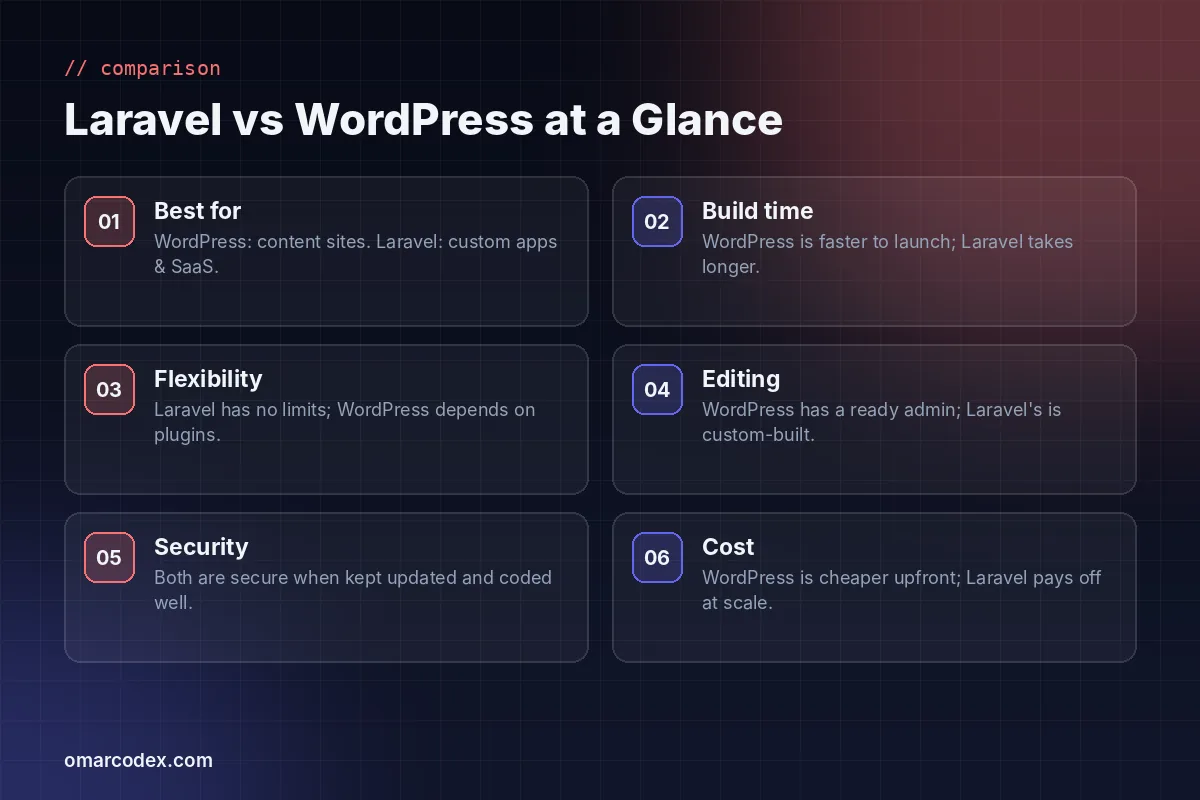
| Best for | Content sites, blogs, news portals, company profiles | Web apps, SaaS, dashboards, marketplaces, custom systems |
| Time to launch | Fast | Longer, built feature by feature |
| Upfront cost | Lower | Higher |
| Flexibility | Limited by themes and plugins | Unlimited, fully custom |
| Content editing | Excellent out of the box | Custom admin, built to your needs |
| Performance | Good with caching and a light theme | Excellent for complex logic and large data |
| Security | Good if updated; plugins add risk | Strong defaults; smaller attack surface |
| SEO | Easy with plugins | Full control, built into the app |
When WordPress is the right choice
- Your website is mainly content: pages, articles, news, a portfolio or a blog.
- Non-technical people need to edit and publish every day.
- You want to launch quickly on a limited budget.
- Your features are common ones that well-maintained plugins already handle, such as forms, SEO, memberships or a WooCommerce store.
A well-built WordPress site can also be very fast; my fast WordPress website checklist shows how.
When Laravel is the right choice
- You are building a product: a SaaS, a portal, a marketplace or an internal system.
- You need multiple user roles with different dashboards and permissions.
- Your business logic is unique, such as affiliate tracking, bookings, inventory across many warehouses or complex pricing.
- You are fighting plugin conflicts and slow pages on an over-extended WordPress site.
- You need a clean REST API for a mobile app or other systems.
For example, the Offer Blue Vertex CPA affiliate network and the multi-store POS and inventory system would be impractical in WordPress but are a natural fit for Laravel.
What about cost?
WordPress usually costs less to launch because themes and plugins cover much of the work. Laravel costs more upfront because each feature is built for you. Over several years the picture can change: complex WordPress sites often need premium plugin licences, frequent fixes after updates and performance work, while a Laravel application has exactly the code you need and nothing else.
What about SEO?
Search engines do not care which technology you use. They care about fast pages, clean HTML, helpful content, good internal links and structured data, all covered in Google’s SEO starter guide. WordPress makes the basics easy with plugins. In Laravel, a good developer builds meta tags, schema, sitemaps and redirects into the app, which gives you more control.
Can you use both?
Yes. A common setup is WordPress for the marketing site and blog, with a Laravel app for the customer portal or SaaS. You can also start on WordPress and move to Laravel later; with careful URL mapping and 301 redirects you keep your rankings.
Whichever you choose, you will probably need online payments too. My comparison of Stripe vs PayPal vs SSLCommerz explains which gateway fits which kind of business.
My recommendation
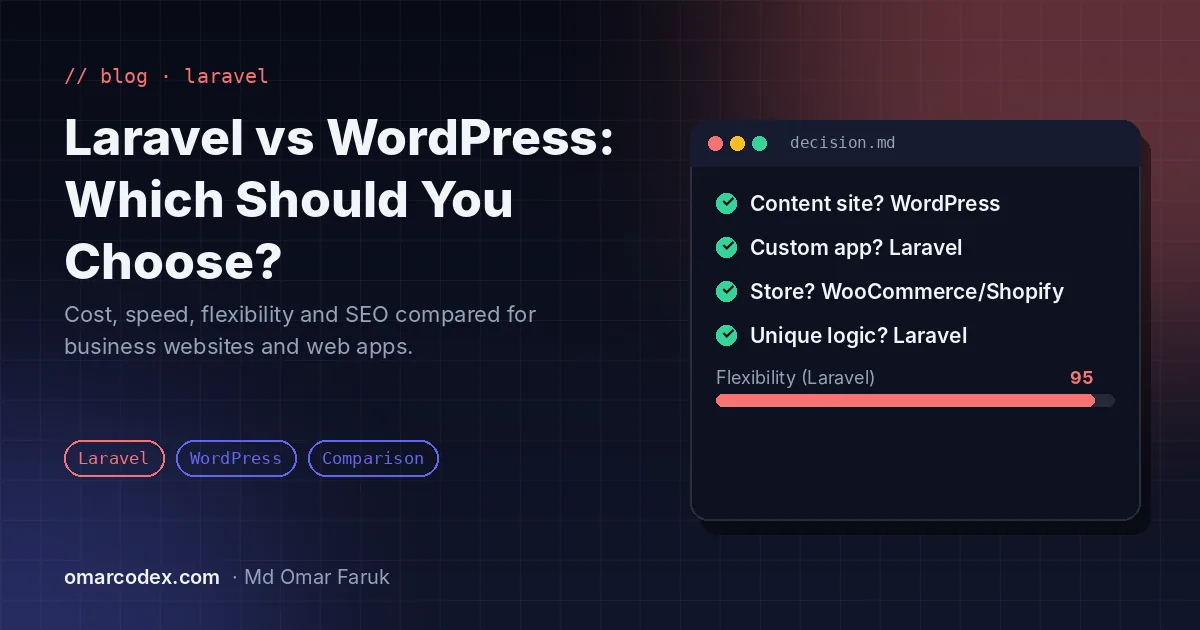
If you mainly publish content, choose WordPress. If you are building software, choose Laravel. If you are not sure, describe your project and I will recommend the simplest option that will still work in two years. Learn more about my WordPress development and Laravel development services, or ask for a free consultation.
Written by Omar Faruk
Full-Stack Developer — WordPress, Laravel & Shopify
I'm a full-stack web developer who has shipped news portals, company sites, multi-user web apps and Shopify stores for clients around the world. I care about clean code, fast pages and websites that actually bring in sales.
Need help with this on your site?
I can set it up for you — quick turnaround, fixed price.


