
Stripe vs PayPal vs SSLCommerz: Choosing the Right Payment Gateway

Choosing a payment gateway affects your conversion rate, your fees, how quickly you get paid and how much development work your checkout needs. In this Stripe vs PayPal vs SSLCommerz comparison I explain what each gateway is best at, what to check before you sign up and how I integrate them securely.
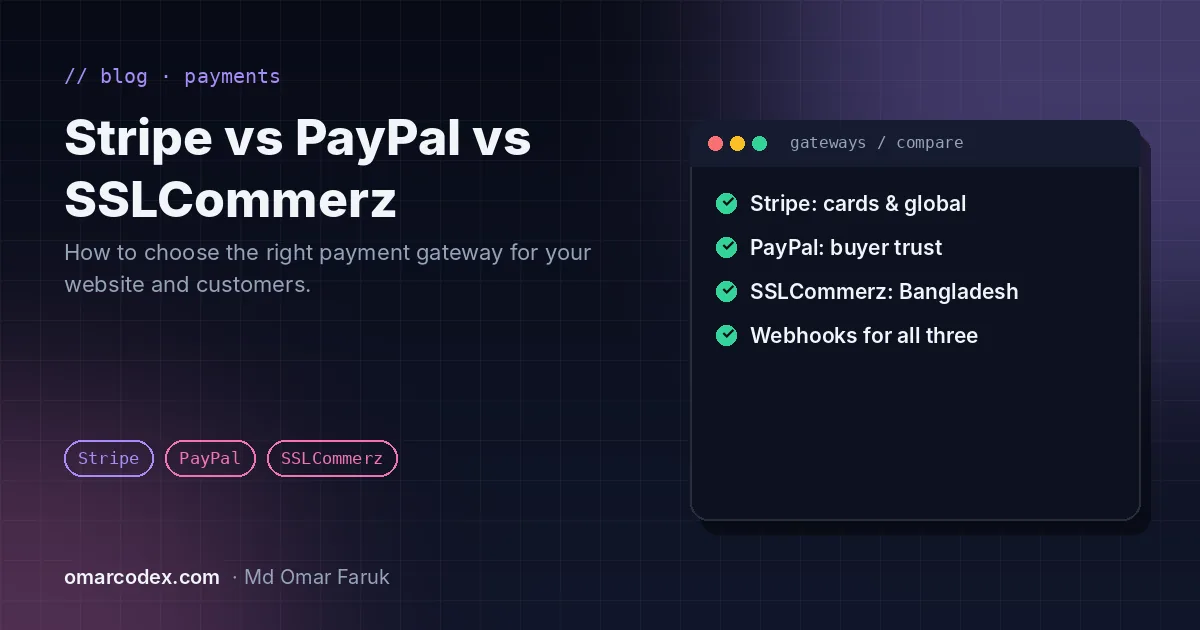
Stripe: best for international cards and subscriptions
Stripe is a developer favourite. It accepts major cards plus wallets such as Apple Pay and Google Pay, handles subscriptions and invoices, and offers hosted Checkout or embeddable payment forms. Its documentation and test mode make integrations fast and reliable.
- Best for: SaaS, subscriptions, international e-commerce.
- Check first: Stripe must support the country where your business is registered.
PayPal: best for buyer trust
PayPal is recognised by shoppers worldwide, and many prefer paying with their PayPal account instead of entering card details. Offering PayPal next to card payments can increase conversions, especially for first-time buyers and international customers.
- Best for: international stores, digital products, marketplaces.
- Check first: whether you can receive payments and withdraw to a local bank in your country, and how disputes are handled.
SSLCommerz: best for customers in Bangladesh
SSLCommerz is one of the most widely used gateways in Bangladesh. Through one integration your customers can pay with mobile wallets such as bKash, Nagad and Rocket, local and international cards, and internet banking, which is essential when most of your buyers are local.
- Best for: Bangladeshi e-commerce, education, services and subscriptions.
- Check first: merchant documentation requirements and settlement times.
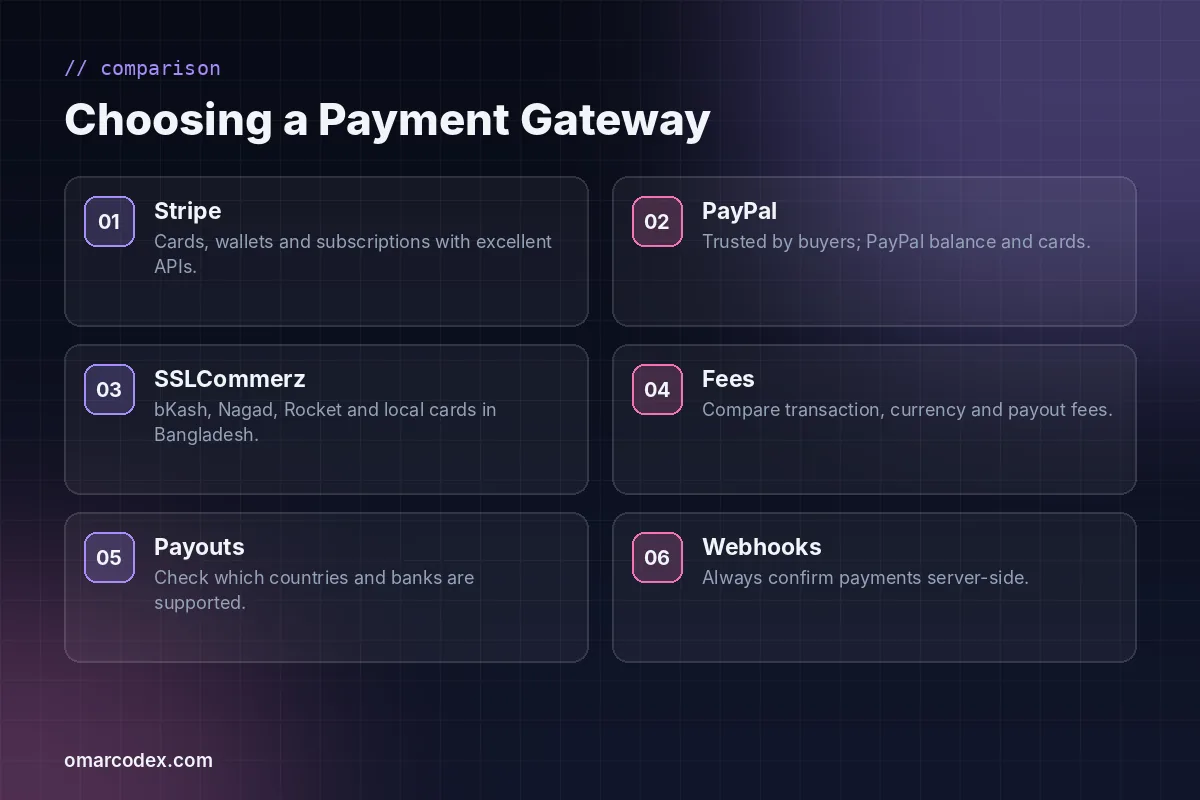
Quick comparison
| Stripe | PayPal | SSLCommerz | |
|---|---|---|---|
| Main strength | Cards, wallets, subscriptions | Buyer trust, PayPal balance | Local wallets and cards in Bangladesh |
| Best audience | International | International | Bangladesh |
| Developer experience | Excellent | Good | Good |
| Recurring payments | Yes | Yes | Check with provider |
| Server confirmation | Webhooks | Webhooks | IPN |
Fees change and differ by country, card type and currency, so always compare the current pricing pages for your region before you decide.
How to choose
- Where is your business registered? This decides which gateways you can open an account with.
- Where are your customers? Local payment methods often convert far better than cards.
- What do you sell? One-off products, subscriptions or marketplace payouts need different features.
- How do you want to be paid? Check payout currencies, banks and timings.
Many stores use two gateways, for example SSLCommerz for local buyers and PayPal or Stripe for international ones.
Integration best practices
- Use hosted checkout or the gateway's secure fields so card data never touches your server, which keeps your PCI DSS scope small.
- Confirm every payment on the server with webhooks or IPN, and verify signatures.
- Handle failed, cancelled and refunded payments, not just successful ones.
- Prevent duplicate orders when a customer refreshes or retries.
- Test in sandbox, then run a small real transaction after switching to live keys.
Get it integrated properly
I integrate Stripe, PayPal, SSLCommerz, Payoneer and Google Pay into WordPress, WooCommerce and Laravel sites. See my payment gateway integration service, or if you are still choosing a platform, read Laravel vs WordPress. A secure checkout also helps with Google Merchant Center approval. Get a fixed quote.
Written by Omar Faruk
Full-Stack Developer — WordPress, Laravel & Shopify
I'm a full-stack web developer who has shipped news portals, company sites, multi-user web apps and Shopify stores for clients around the world. I care about clean code, fast pages and websites that actually bring in sales.
Need help with this on your site?
I can set it up for you — quick turnaround, fixed price.


