Google Circumventing Systems Policy: How to Fix It in 2027

// tl;dr
Circumventing systems is an egregious Google Ads violation with no warning. Common store triggers are new accounts linked to old suspended ones, shared cards or logins, redirect apps that look like cloaking, and hacked sites. Fix the link or redirect, then send one honest appeal.
"Your account has been suspended for circumventing systems." Few lines in Google Ads cause more panic. It sounds like you tried to cheat. But many store owners who get it never meant to break a rule.
Google's circumventing systems policy (often called the circumvention policy) is one of its strictest. There is no warning and no strike. The account just stops.
In this 2027 guide, we'll explain what the policy really covers. We'll show the hidden triggers we see on online stores. Then we'll walk you through the fix before you appeal.
What Is the Circumventing Systems Policy?
Google's circumventing systems policy bans anything that tries to get around its review or enforcement systems. In plain words: you can't hide things from Google, and you can't dodge a decision it already made.
Google treats this as an "egregious" violation. That means the suspension happens as soon as Google detects it, with no warning first.
One piece of good news: a normal ad disapproval does not cause this suspension on its own. It's about trying to get around the system, not about one bad ad.
What Counts as Circumventing Systems?
Google lists these examples:
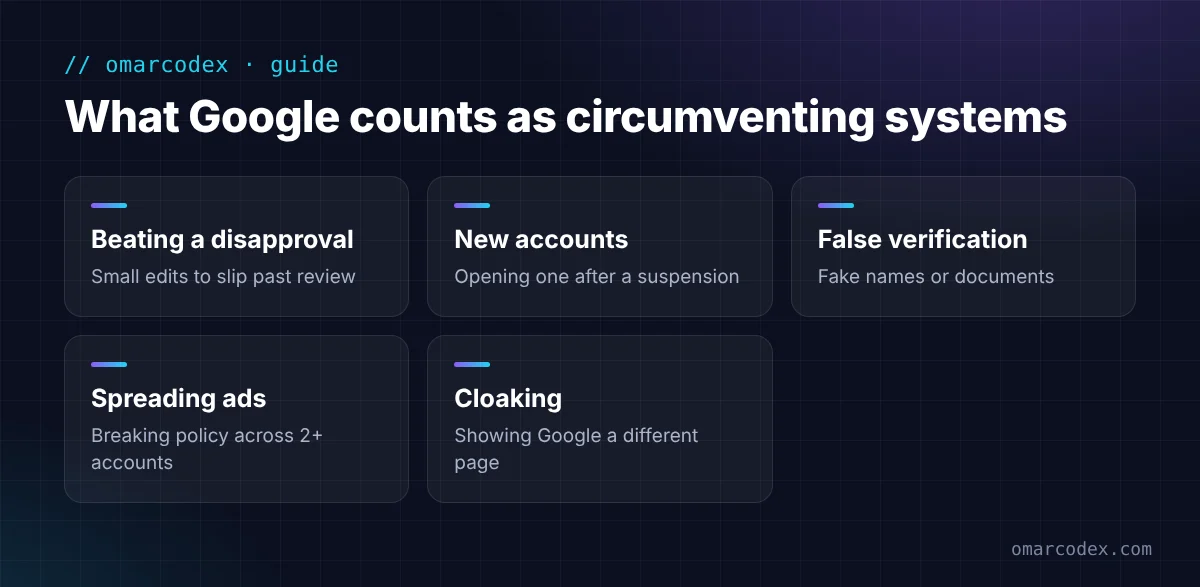
- Making small changes to beat a disapproval. For example, editing a rejected ad or page just enough to get it past review, without fixing the real problem.
- Creating new accounts after a suspension. Opening a fresh account to get back in counts as a violation.
- Giving false information for verification. This includes fake names, documents, or details.
- Spreading ads across accounts. Running ads that break policy across two or more accounts.
- Cloaking. Showing Google's reviewers a different page than real shoppers see.
Hidden Triggers We See on Online Stores
Most store owners we talk to didn't do any of the above on purpose. Here's what usually sets it off. These come from cases we've seen and from what sellers report in forums. Google doesn't publish its signals.
A new account after an old one was suspended
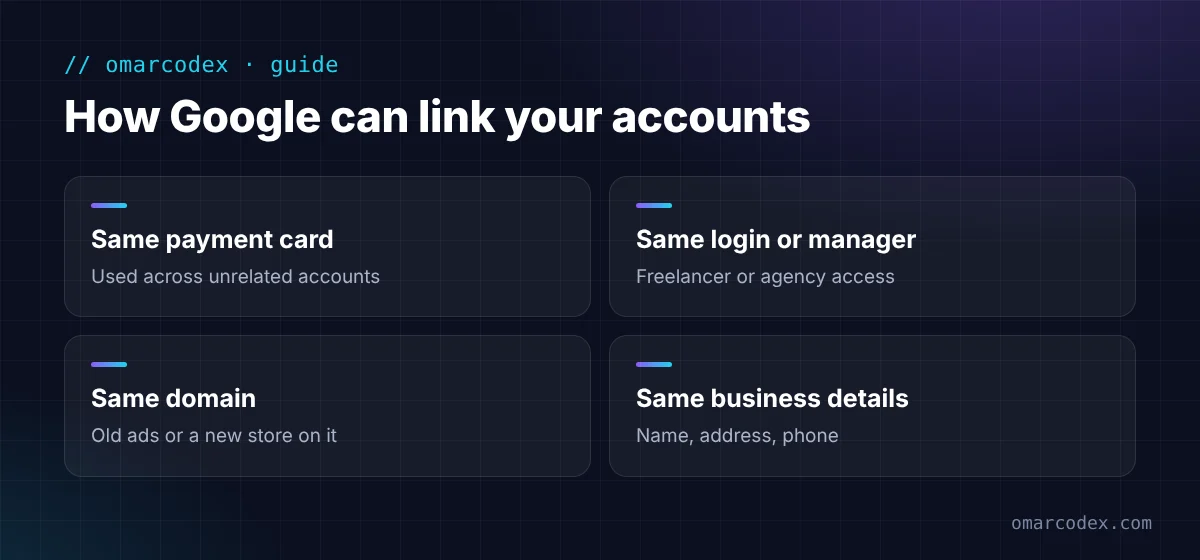
Maybe a past store, a former partner, or a freelancer had a suspended account. Then you opened a new one with the same card, domain, or details. Google can link them.
Shared cards, logins, or devices
Using the same payment card across several unrelated accounts is a common trigger. So is an agency or freelancer who manages many accounts from one login or manager account.
Redirects and "cloaking" by accident
Some tools show different pages to different visitors. Think of geo-redirect apps, pop-up apps, A/B testing tools, or tracking links. If Google lands on a different page than shoppers do, it can look like cloaking.
On Shopify, check market and currency redirect apps. Also check old ads that still point to a domain that now redirects somewhere else.
A hacked or changed website
Malware can add hidden redirects to your store. You may not even know it's there. A site that changed hands, or a domain that used to sell something else, can also cause trouble.
Details that don't match
Your verification name, payments name, website owner, and business info should all match. When they don't, it can look like you're hiding who you are.
Does Merchant Center Have a Circumventing Systems Policy?
Not by that name. Merchant Center's Shopping ads and listings policies don't list "circumventing systems." The closest rule is "Abusing the Shopping network." It bans stores that try to bypass Google's review process.
So if your notice says "circumventing systems," it's almost always about Google Ads. But fix both. Your Merchant Center account links to Google Ads, and the same business details apply.
How to Fix a Circumventing Systems Suspension: Step by Step
Step 1: Stop making new accounts
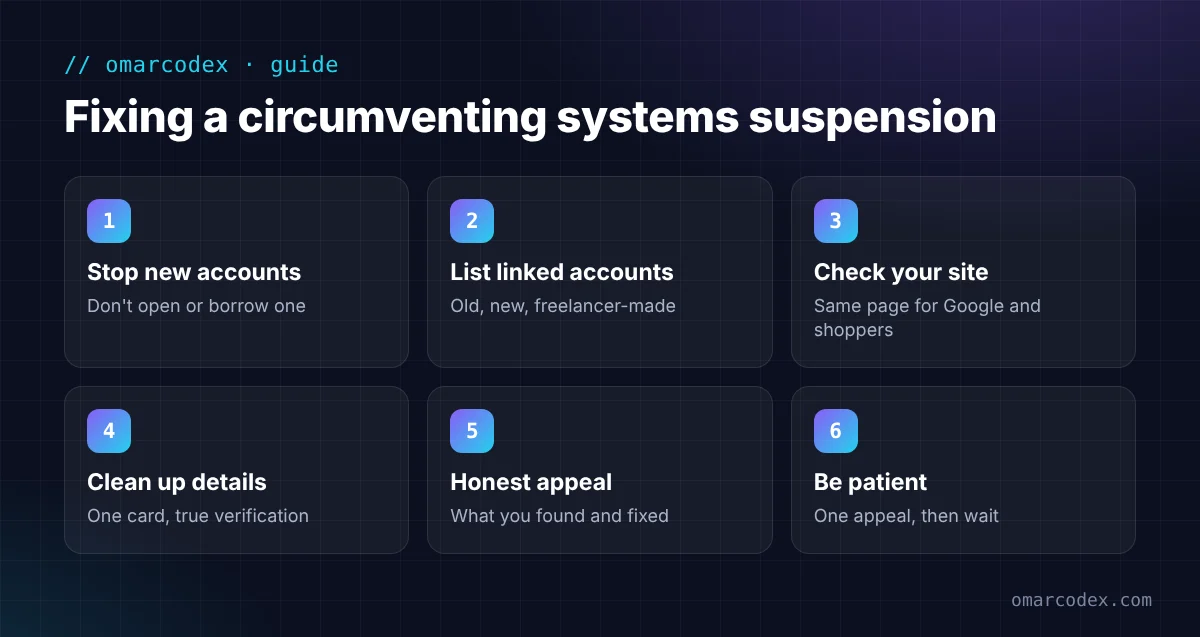
Don't open another Google Ads account. Don't ask a friend to open one for you. Google names this as a violation, so it only adds to the problem.
Step 2: List every account tied to you
Write down every Google Ads account that shares your email, card, domain, or manager account. Include old ones and ones a freelancer made for you. Mark which ones Google suspended.
Step 3: Check your website like Google would
- Visit your store from a private browser window, on a phone and on a computer.
- Click your ads' final URLs. They should land on the same page every time.
- Turn off any app that sends visitors to different pages based on who they are.
- Scan for malware and check the Security Issues report in Google Search Console.
- Remove old ads that point to domains you no longer use.
Step 4: Clean up payment and verification details
Use one payment method in your own name or your business's name. Make sure your verification details match your real documents. If they were wrong, fix them in the account before you appeal.
Step 5: Write a clear, honest appeal
Click Contact Us in the suspension banner to open the appeal form. Keep it short. Say what you found, what you changed, and when. If an old or linked account caused the problem, say so and explain how you fixed it.
Not sure what caused it? You can get a free quote for your suspension review. We'll check your accounts and site for the usual triggers before you appeal.
Step 6: Be patient
Send one appeal and wait for the email. Google may not process extra appeals for the same suspension. If it's rejected, go back and look for what you missed.
Common Mistakes
- Opening a "clean" new account. This is the classic mistake. It's also an example Google lists in the policy itself.
- Changing your domain to start over. Google can still link a new domain that uses the same card and details.
- Using a VPN or shared logins to hide. Sellers often report this makes things worse.
- Blaming the freelancer and doing nothing. If their account links to yours, you still need to fix that link.
- Paying someone who promises a "guaranteed" fix. No one controls Google's decision.
How to Stay Safe
- One business, one Google Ads account, one payment method in the business name.
- Give each agency or freelancer their own access through Google's user roles. Never share passwords.
- Test any new redirect, pop-up, or testing app before you run ads to it.
- Keep your site secure and up to date.
- Keep your business details the same in Google Ads, Merchant Center, and your website.
For other suspension types, see our full guide on what to do when your Google Ads account is suspended. If Shopping ads are down too, read how to fix a Merchant Center misrepresentation suspension.
FAQ
What does circumventing systems mean in Google Ads?
It means trying to get around Google's review or enforcement systems. Examples include cloaking, opening new accounts after a suspension, and giving false verification details.
Do I get a warning before a circumventing systems suspension?
No. Google treats it as an egregious violation. It suspends the account as soon as it detects the problem.
Can a freelancer or agency get my account suspended?
It can happen. Say they link your account to one that broke the rules. Or they share cards or logins across clients. Then Google can pull your account in too. Give them their own user access and use your own payment method.
Can I just create a new Google Ads account?
No. Creating new accounts after a suspension is one of the examples Google lists under this policy. It can lead to more suspensions.
Can Google reinstate an account suspended under this policy?
Sometimes, if you can show it was a mistake or that you fixed the real cause. Google reinstates accounts only in compelling cases, so a clear, honest appeal matters.
Get Back to Advertising
A circumventing systems suspension feels harsh, but it often has a simple cause. Common ones are a linked old account, a shared card, or a redirect app. Find it, remove it, and explain it clearly in one appeal.
We help store owners fix Google Ads and Merchant Center suspensions every week. Get a free quote for your suspension fix and we'll tell you what we'd check first. You can also read about our Google Merchant Center service.
Written by Omar Faruk
Full-Stack Developer — WordPress, Laravel & Shopify
I'm a full-stack web developer who has shipped news portals, company sites, multi-user web apps and Shopify stores for clients around the world. I care about clean code, fast pages and websites that actually bring in sales.
Need help with this on your site?
I can set it up for you — quick turnaround, fixed price.


