
Shopify Conversion Tracking: How to Set Up GA4, Meta and TikTok Correctly

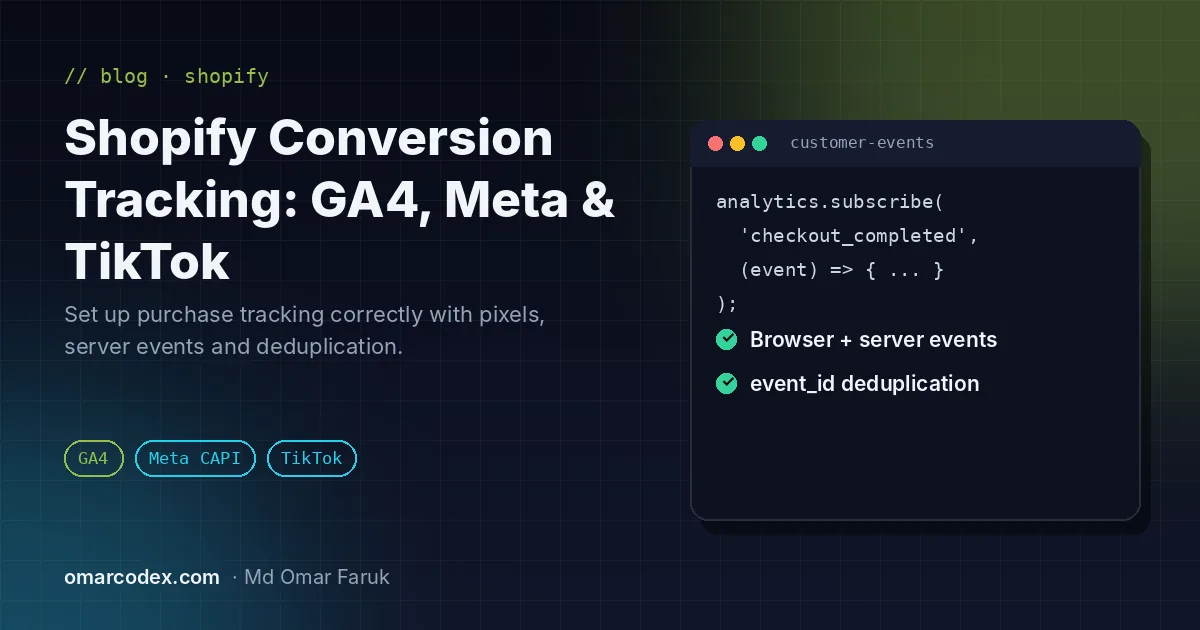
Running ads on Google, Facebook, Instagram or TikTok without accurate tracking is like driving with a foggy windscreen. If purchases are missing, your campaigns look unprofitable and ad platforms cannot find more buyers. If purchases are counted twice, you scale ads that are actually losing money. This guide shows how I set up Shopify conversion tracking for clients so the numbers can be trusted.
Step 1: Decide which events you need
Before installing anything, list the events that matter for your funnel. For most stores these are:
- page_view and view_item (ViewContent): who is browsing and which products.
- add_to_cart: buying intent.
- begin_checkout (InitiateCheckout) and add_payment_info.
- purchase: with order value, currency, product IDs and a unique order or event ID.
The purchase event is the most important one. It must fire exactly once per order with the correct value and currency.
Step 2: Install the official channel apps
Shopify's official sales channel apps are the most reliable base, because they use Shopify's own checkout events and are maintained when the checkout changes:
- Google & YouTube connects Google Analytics 4, Google Ads conversions and Google Merchant Center. See my guides to Shopify GA4 conversion tracking and Google Ads conversion tracking for Shopify.
- Facebook & Instagram connects the Meta Pixel and can send server events through the Conversions API when you choose the higher data-sharing setting.
- TikTok connects the TikTok Pixel and Events API. Here's my full guide to TikTok conversion tracking on Shopify.
Shopify documents how pixels work in its help center guide to pixels.
Step 3: Remove old, hard-coded pixels
The most common reason for duplicate purchases is leftover code: a Meta Pixel pasted into theme.liquid years ago, an old Google Ads tag in the additional scripts box, or a third-party app that also fires a purchase. Audit the theme, apps and old checkout scripts, and remove anything that duplicates what the channel apps already send.
Step 4: Add custom pixels with Customer events
For tools without an official app, use Settings > Customer events to add a custom pixel. It runs in a secure sandbox and subscribes to Shopify's standard events, for example:
analytics.subscribe('checkout_completed', (event) => {
  const checkout = event.data.checkout;
  // send checkout.totalPrice.amount, currency and order ID to your tool
});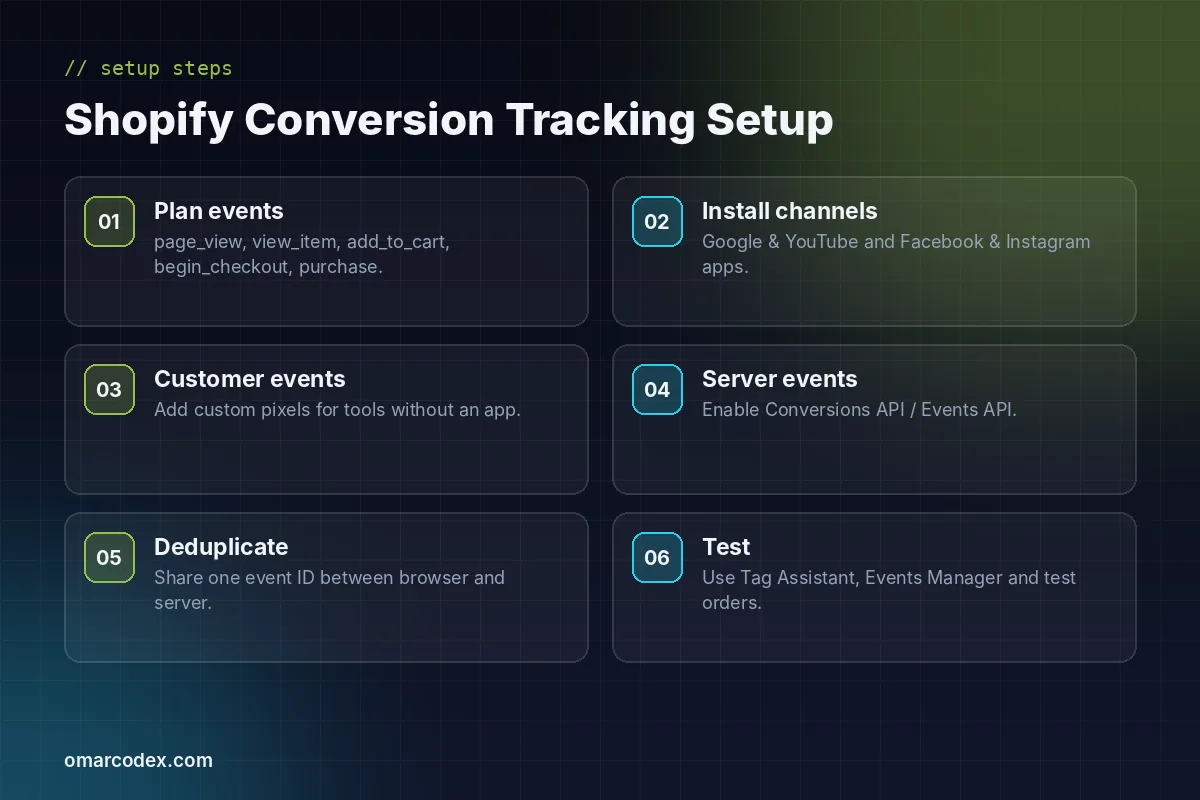
Step 5: Add server-side events and deduplicate
Browser pixels miss conversions when shoppers use ad blockers or strict privacy settings. Server-side events, such as the Meta Conversions API and TikTok's Events API, send the same events from a server so fewer conversions are lost. For a deeper comparison of options, read Shopify server-side tracking. When you send an event from both the browser and the server, give both the same event ID so the platform counts it once.
Step 6: Test with real test orders
- Use Google Tag Assistant and GA4 Realtime or DebugView to confirm GA4 and Google Ads events.
- Use the Test Events tool in Meta Events Manager and check deduplication and event match quality.
- Check TikTok Events Manager for pixel and server events.
- Place a test order and confirm the purchase value, currency and order ID are correct in every platform.
Common mistakes to avoid
- Installing the same pixel through two apps.
- Sending prices without currency, or with tax and shipping handled inconsistently.
- Tracking purchase on a thank-you page reload, which creates duplicates.
- Forgetting consent: respect your cookie banner and privacy laws in your markets.
Get your tracking right the first time
Accurate tracking pays for itself in better ad performance. If you want it done properly, see my Shopify store and tracking service. Selling on Google Shopping too? Make sure your account is healthy with my Google Merchant Center service and read how to fix a misrepresentation suspension. Ready to start? Send me your store URL.
Written by Omar Faruk
Full-Stack Developer — WordPress, Laravel & Shopify
I'm a full-stack web developer who has shipped news portals, company sites, multi-user web apps and Shopify stores for clients around the world. I care about clean code, fast pages and websites that actually bring in sales.
Need help with this on your site?
I can set it up for you — quick turnaround, fixed price.


